In the left sidebar, click on "Menus" and then click the plus icon next to "Main Menu".

Type What we do in the title field. For the "Menu Item Type", click the "Select" button.

First on the list is "Articles". Click on this and choose "Single Article".

Now you can select the article you want to show.

We want to show the article called What we do, so we select that. Click "Save & Close" and you're done.

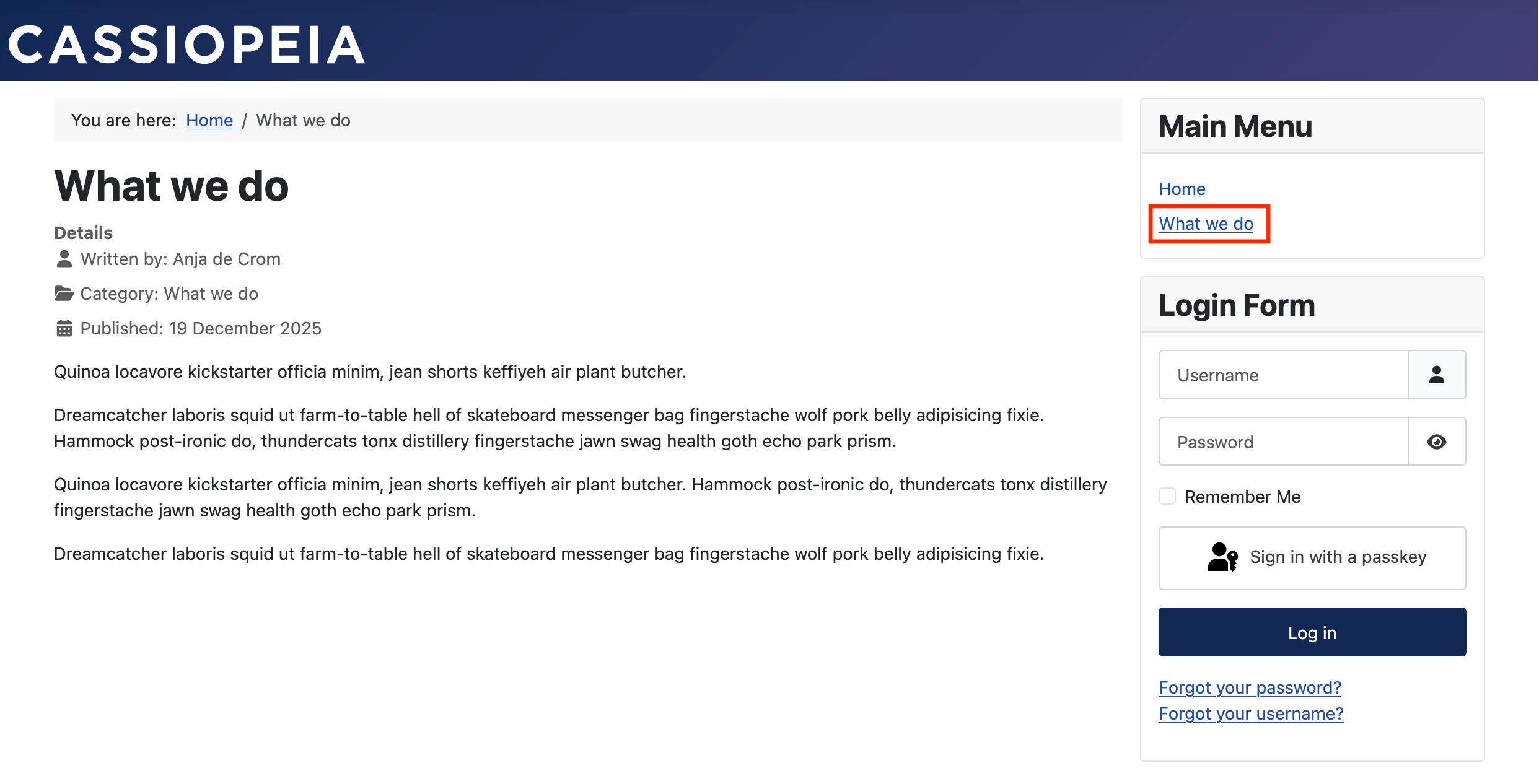
If you now check the frontend of your website, you’ll see the menu item is added to the menu and the page is there.