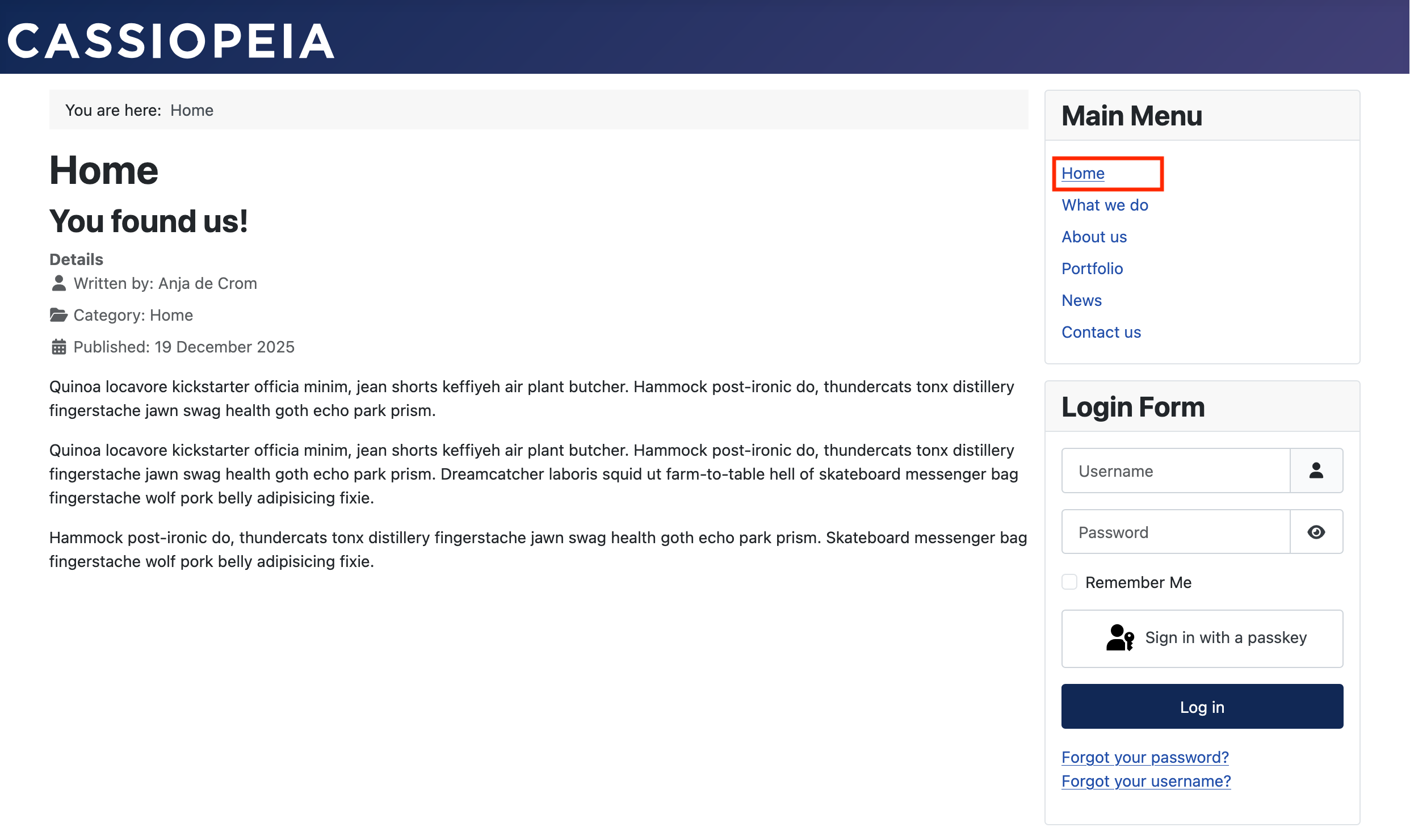
Our Home page should contain just one article, the one we created earlier. We just need to make sure that article is shown on this page.
Head over to your "Main Menu" in the left sidebar. Click it. You’ll see a list of all your menu-items. Below Home, you’ll see it’s set to "Featured Articles".

Click the menu-item. Click the "Select" button to choose another menu-item type.

Choose "Single Article" (just like you did earlier) and pick the right article.

"Save & Close" the menu-item. Your new homepage should show right away!