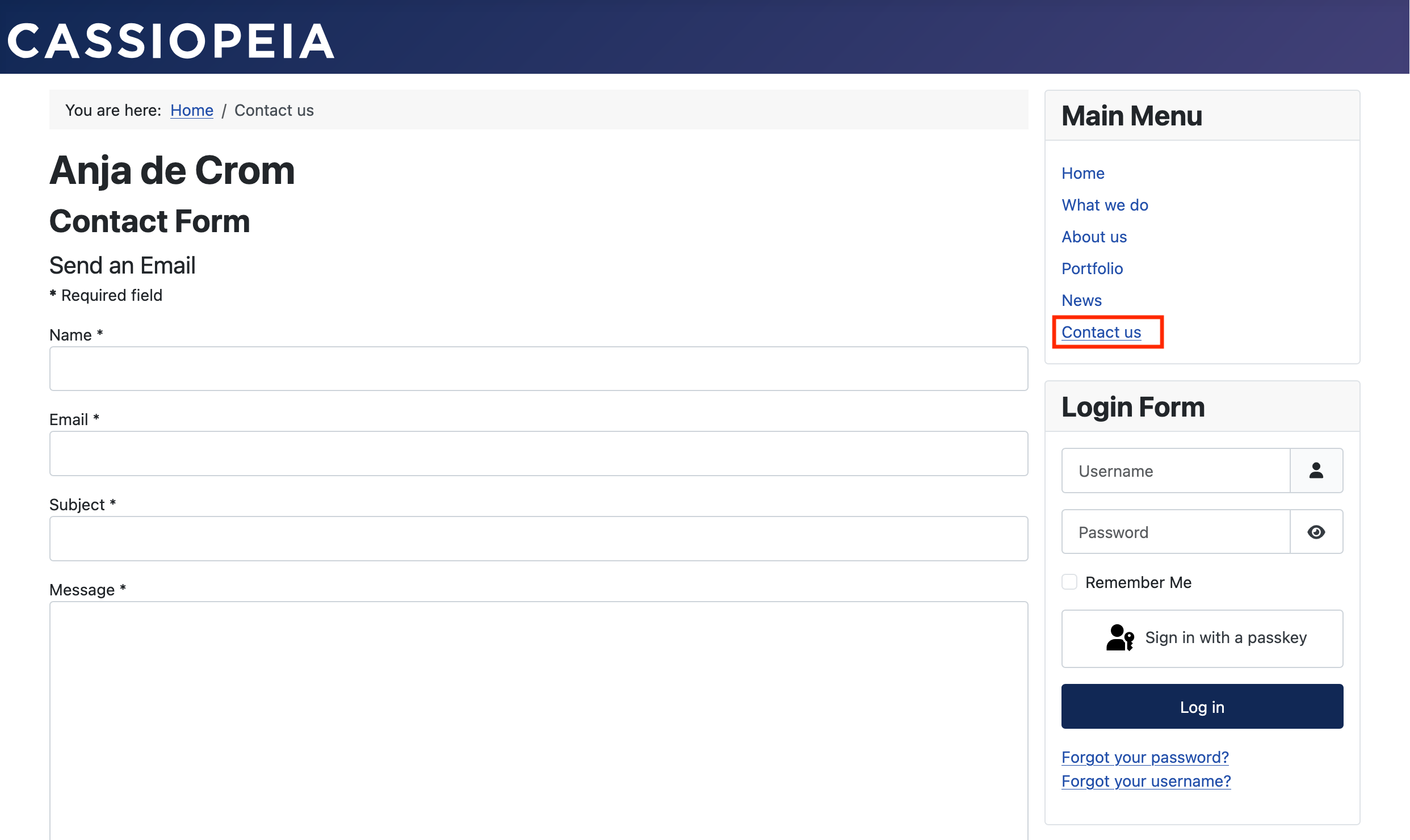
For the Contact us page, we can use the built-in contact options.
Create a contact
To create a contact, we click "Components" > "Contacts" in the left sidebar, and then the first option, "Contacts". You’ll then see this, click "Add your first contact".

Fill in the name for the contact.

Create a menu item
Type Contact us in the title field. For the menu item type, click the "Select" button. Choose "Contacts", and then "Single Contact".

Select the contact you just created, then click "Save & Close".

Our website now has a fully functioning contact option.