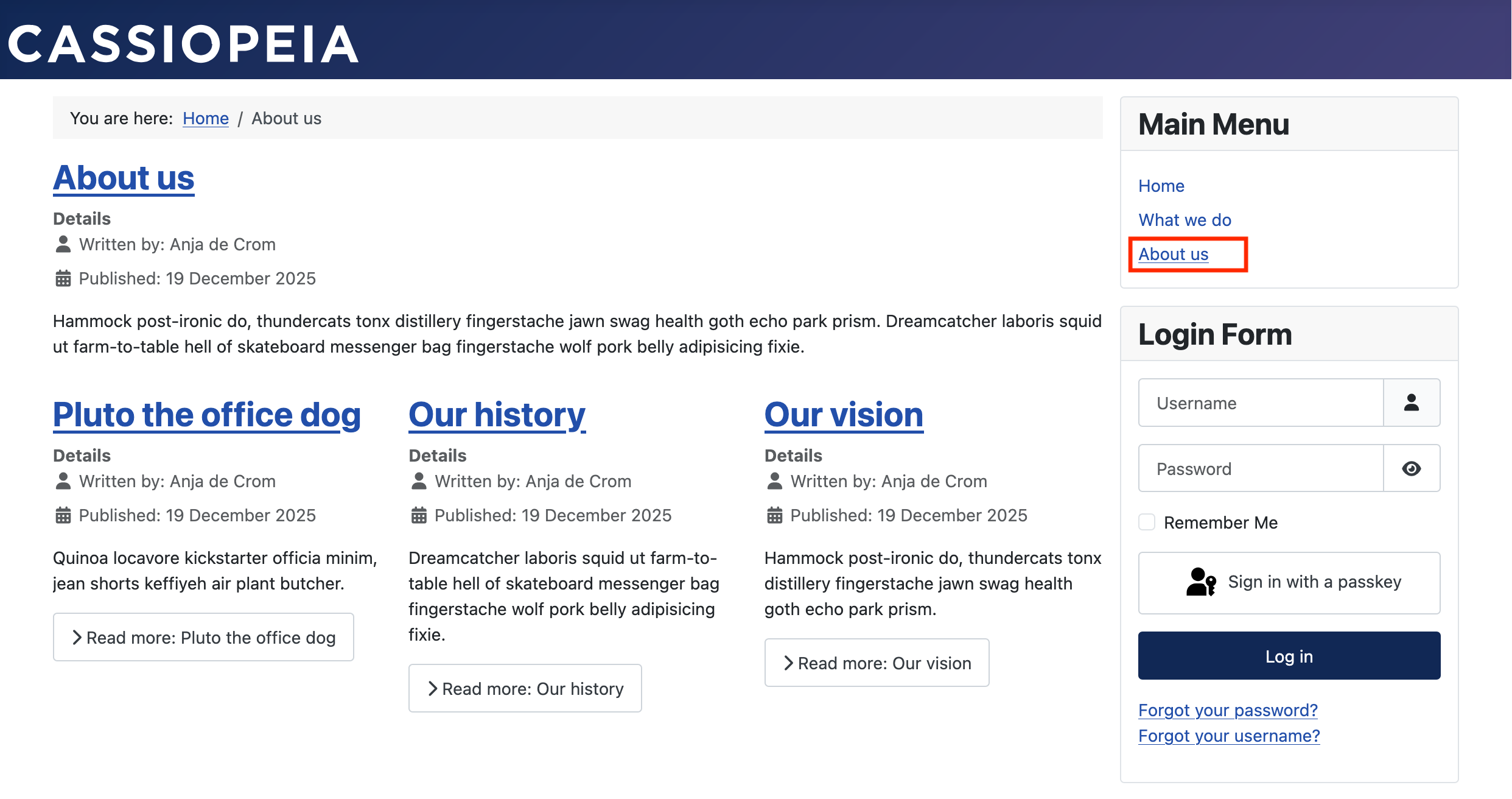
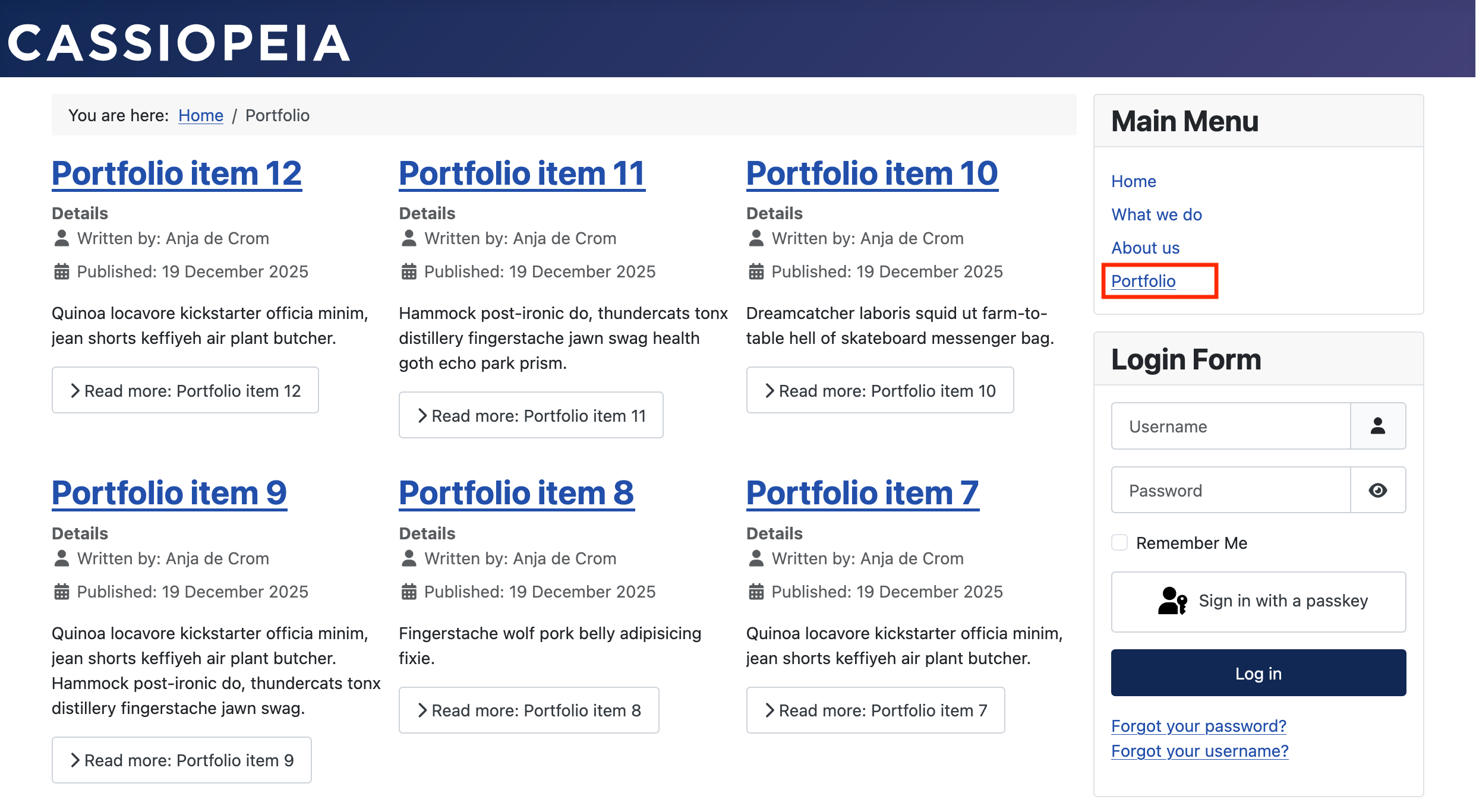
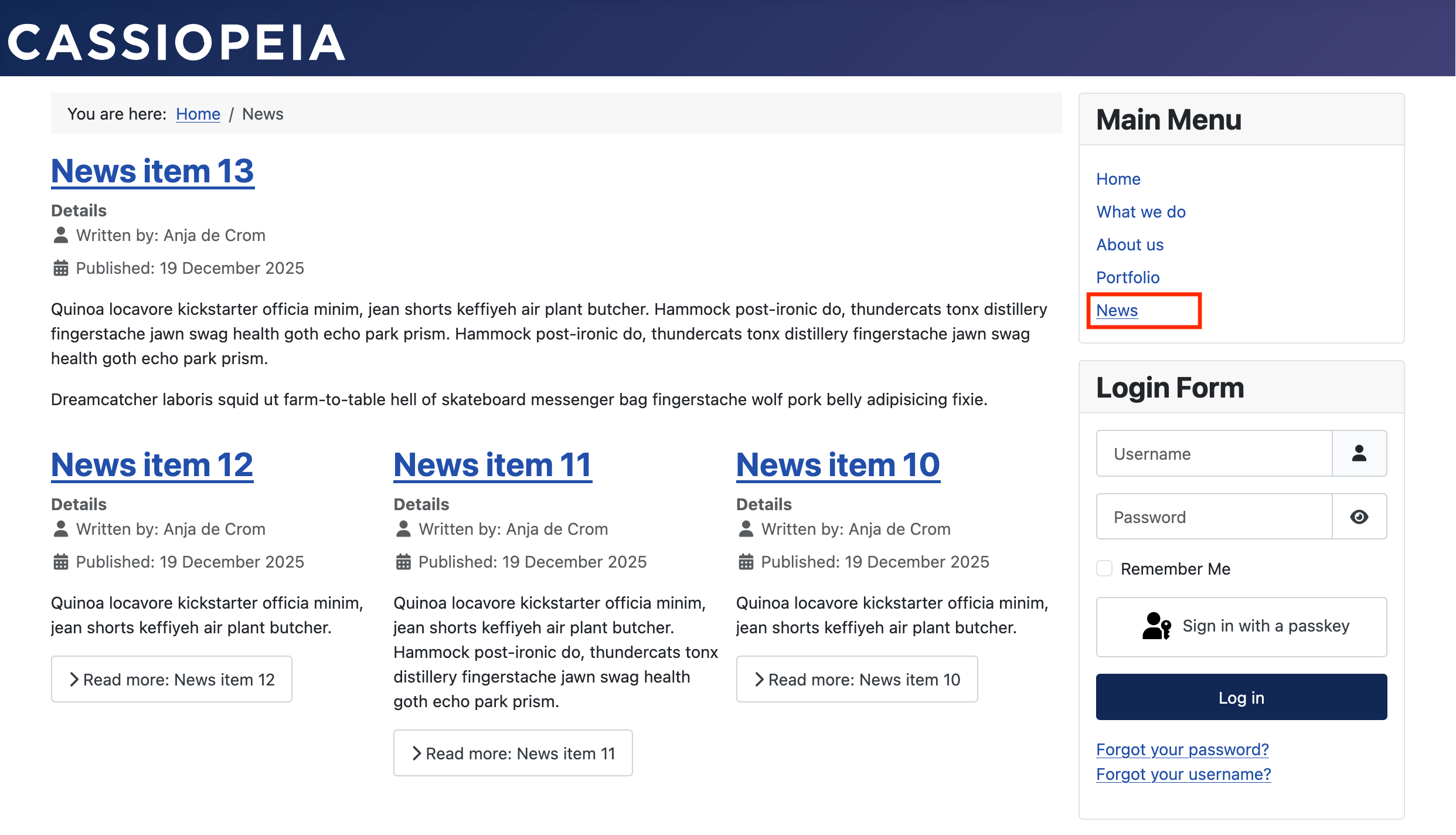
Our About us page should show one large article and three intros below it.
This menu item starts the same way, by creating a new menu item. Instead of "Single Article", choose "Category Blog".

Select the category About us and click on the "Blog Layout" tab. You can now choose how many "Leading Articles" you want to display (one) and how many "Intro Articles" (three). "Save & Close" and you're done.

Repeat these steps for the categories Portfolio and News.